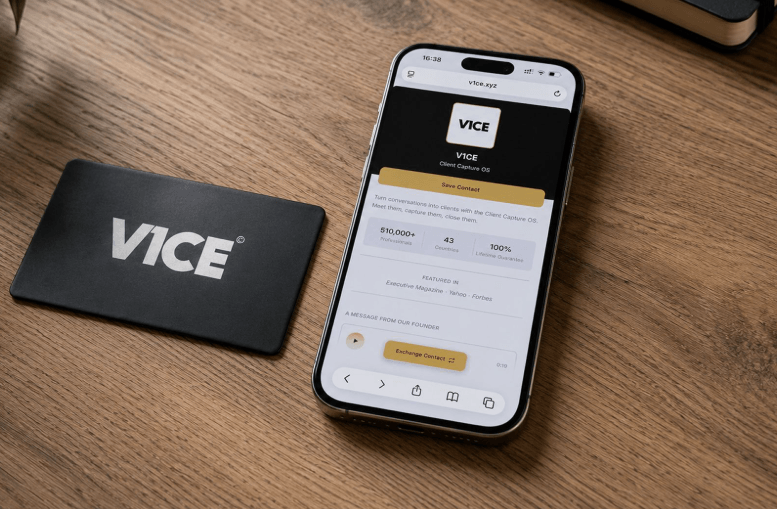
A provider joins the practice on Monday. By Wednesday, three referring physicians still have the old associate’s card in their wallet. This is the quiet cost of paper business cards in healthcare, and it is exactly what a digital business card for doctors fixes.
Moo makes a genuinely nice card. The paper stock feels premium, the print quality is sharp, and handing one to a colleague at a conference still carries weight. But a printed card shows a snapshot of the practice from the day it was ordered. Insurance panels change. Providers rotate through locations. A patient portal link gets updated. None of that reaches the card sitting in someone’s wallet.
The Real Problem Moo Does Not Solve
Healthcare practices are not static, and that is the core issue. A medical practice business card needs to answer questions patients and referring providers actually ask in the moment. Is this doctor still in network? Can I book a telehealth visit right now? Where is the new office location? Paper cannot answer any of that after it gets printed. A healthcare provider digital card can, because the content behind the QR code updates instantly. There is no reprint and no box of outdated cards sitting in a drawer.
Here are moments where this matters most. A patient leaves an appointment and needs to save the clinic number before the next visit. A referring physician forwards contact details to their own scheduling staff. A new hire needs a card before badges and letterhead are ready. An insurance panel change means every printed card in circulation is now wrong.
In each case, the practice needs speed and accuracy, not cardstock texture.
Patient Referral and Physician Networking
Patient referral depends on contact information moving cleanly between providers. When a specialist card includes a live provider directory link or a direct scheduling option, front desk staff on the receiving end act on it right away instead of calling to confirm a phone number.
The same logic applies to physician networking at conferences and hospital rounds. A card that opens straight to a bio, credentials, and a booking link does more work than one that just states a name and a fax number nobody uses anymore.
What a Digital Card Should Include
For medical practice branding to hold up across every provider in a group practice, the card needs more than contact details. A few features make the difference in daily clinical settings.
Telehealth booking link. Patients expect to schedule a virtual visit without a phone call. A card that opens directly into a booking flow removes a step that used to require hold music.
Patient portal QR code. New patients forget portal URLs constantly. One scan that lands directly on the portal login cuts down on front desk calls that ask how to log in again.
Appointment scheduling card function. Instead of a static phone number, the card link routes straight into whatever scheduling system the practice already uses.
Digital vCard for clinics. One tap saves the provider full contact record directly into a phone contacts app, not just a photo of a card that never gets typed in.
None of this is exotic technology. It is contact information that behaves the way patients already expect apps to behave.
See also: Local SEO for Dubai Businesses: Step-by-Step Guide
Why This Matters More in Healthcare
Retail and hospitality often get away with a static card because their offer does not change often. Healthcare is different. Providers leave and join. Panels shift. Locations expand. A specialty group might add a new provider every quarter, and every one of those changes makes a printed card inaccurate.
A digital business card for doctors absorbs that churn without anyone reprinting anything. Update the card once, and every patient or colleague who scans it afterward sees the current version on the same physical card.
Digital business cards for healthcare providers are built with this update in place model in mind, so a practice manager does not need to reissue cards every time a provider schedule or panel status changes.
Moo Still Has a Place, Just Not This One
To be fair to Moo, if a practice wants a card purely as a polished handoff moment for an in person meeting with a hospital administrator, the print quality holds up well. That is a real use case. But it is a one time impression, not a living directory entry. The two do not solve the same problem, and healthcare practices tend to need the second one more.
Frequently Asked Questions
Can a digital business card replace a provider listing in an insurance directory?
No. It works alongside it. The card gives patients a fast way to save contact details or book a visit, but panel status still needs confirmation through the insurer own directory.
Do patients need an app to use a digital card?
No. Most digital cards work through a QR code or NFC tap that opens directly in a phone browser, with no app install required.
How often should a clinic update its digital card content?
The clinic should update it any time a provider schedule, location, or booking link changes, since the update applies instantly across every card already in circulation.
Is a digital card HIPAA compliant for sharing contact information?
Yes, as long as the card only shares standard contact and scheduling information and does not transmit protected health information through the card itself.
Can a whole practice share one branded card format across multiple providers?
Yes. Group practices typically use a shared template so branding stays consistent while each provider individual contact details and booking links stay unique to them.